Brisbane
Website development in Brisbane
The build underneath a Brisbane website — platform, hosting, speed, integrations, migration and portability. What development decides that design does not.
In short. Design decides what a website looks like. Development decides whether it works, how fast, on what, and what happens when something changes. This page covers the second job — platform, hosting, speed, integrations, migration, accessibility and portability — and is honest that a five-page brochure site for a sole trader does not need any of it.
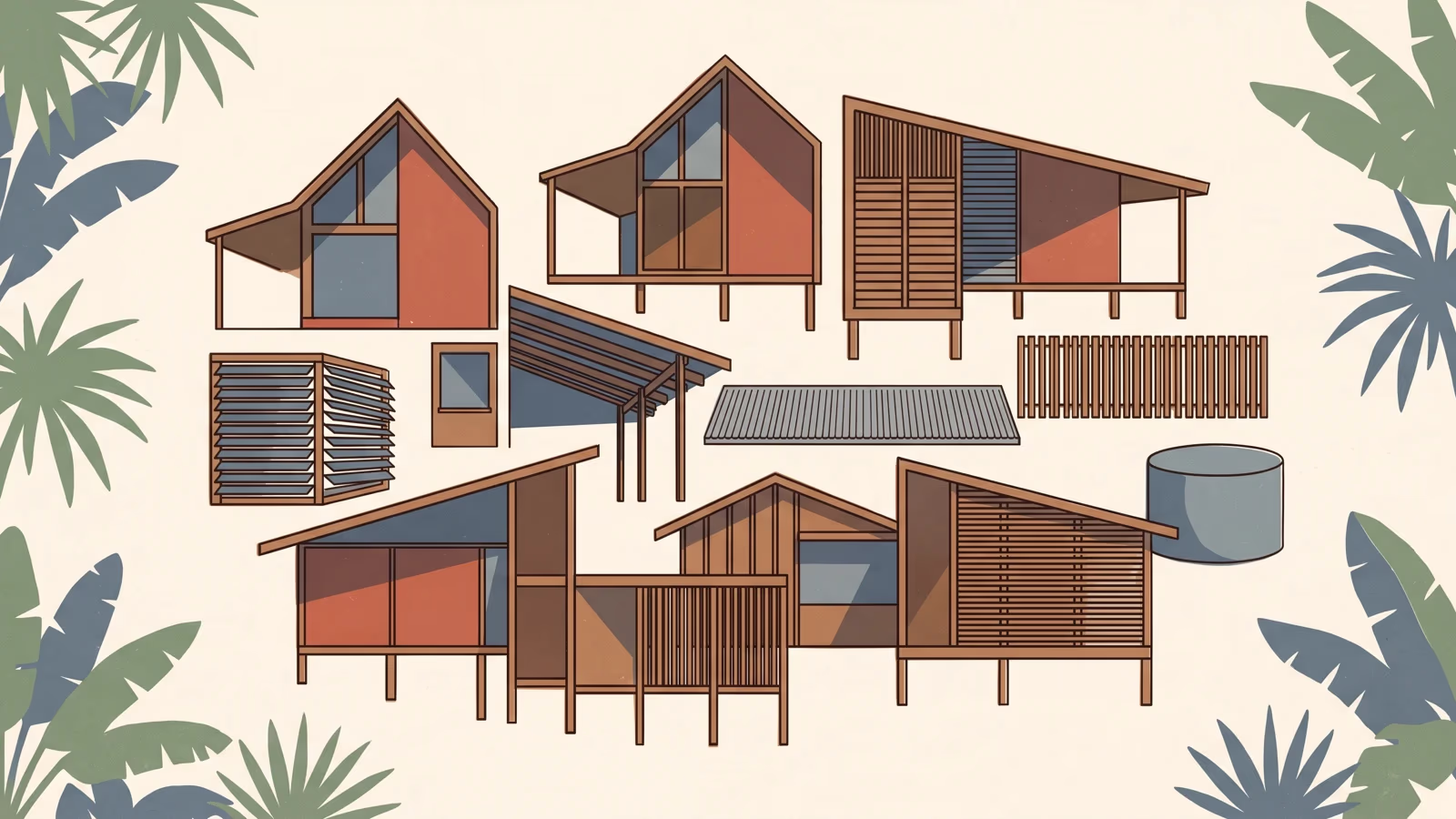
Design decides what a website looks like. Development decides whether it works, how fast it works, what it works on, and what happens to it when something changes. Those are different jobs, and in the Brisbane market they are sold under the same name, by the same suppliers, in the same quote.
This page is about the second job — not the layout, the typography or the photography, but the build underneath them. That means the platform, the hosting, the speed, the integrations, the migration, the accessibility, the backups, and whether you can take the whole thing somewhere else when you want to. If you are shopping for a site to look a certain way, the design conversation is the one you need. If you are shopping for a site that has to do things, this is the conversation that decides whether it does them.
What the Brisbane and Queensland search results actually show

Measured for Australia on 31 July 2026 and recorded in research/national-volume-au.json and research/cpc-competition-au.json, “website development brisbane” draws around 2,400 searches a month at 35.33 AUD CPC, with competition banded MEDIUM at an index of 38.
The interesting part is what sits next to it. “Website development brisbane”, “web development brisbane”, “web design brisbane” and “website design brisbane” return byte-identical advertising metrics: the same 2,400 a month, the same 35.33 AUD CPC, the same MEDIUM band, the same index of 38. Google’s own advertising system treats all four as one entity. Whatever distinction the words carry for a person reading them, the machine that sells the clicks does not see one.
The difficulty model, meanwhile, disagrees with itself across those same four terms, returning 10, 23, 50 and 43. Four different readings of difficulty for identical demand, identical advertiser cost and largely the same ranking pages. They cannot all be right, and the practical lesson is not which one to believe. It is that a difficulty score is model output, not a measurement. When somebody shows you a screenshot proving a keyword is easy, they are showing you a number a tool generated, not a thing anyone observed. The cost-per-click and the actual search results are the observable evidence; the difficulty number is a guess with a decimal point on it.
The results themselves were classified on the same date and stored in research/serp-verification.json. Nine results: eight agencies and one directory listing. This is a commercial query answered by people who build websites for a living, not by job boards or training courses.
And of those nine ranking pages, seven carry a title that is some variant of “Web Design Brisbane”. One is a marketing agency’s development service page, one is a directory of development companies, and none of them exact-matches the phrase people are typing. That is the whole reason this page exists. It is also the trap it has to avoid: a page that says “development” in the title, then talks about colour palettes and hero images, is competing for identical intent under a different word — a word game, not a real distinction. So the rest of this page covers the substance a design page does not.
One more measured note, because it changes how this page should be written. AI-assistant prompt volume for the development phrasing is effectively zero, from research/ai-vol-keywords.json. Nobody is asking a chatbot this. It is a Google query, from someone in Brisbane with a business problem, usually with a browser tab of competitors open next to it.
What development decides that web design does not
Design settles appearance and behaviour on the screen. Development settles everything that determines whether that appearance survives contact with reality.
A short version of the split, in the order the decisions usually get made:
- Design decides the layout, the type, the colour, the imagery, the wording of the buttons, and the path a visitor is meant to take.
- Development decides what the site is built on, where it is hosted, how a page is assembled and delivered, how quickly it becomes usable on a phone, what it connects to, what happens when one of those connections breaks, who can edit what, what is backed up, and what you can take with you.
Nearly every expensive surprise in a website project comes out of the second list, and nearly every sales conversation is about the first.
The stack, WordPress and website platform choices that matter to the person paying

You do not need to know how any of this works. You do need to know which one you bought, because the answer sets your ongoing costs and your options for the next five years.
Static versus database-driven. A static site is assembled ahead of time into finished files that a server hands over as-is. A database-driven site assembles each page at the moment somebody asks for it, by running code and querying a database. Static is faster by construction and has almost nothing to attack or break; it is a poor fit when content changes constantly or every visitor needs to see something different. Database-driven is the right answer for shops, logins, bookings and anything personalised, and it carries a permanent obligation to patch, update and monitor.
What a content management system is actually doing. A CMS is an editing interface bolted to a storage format. Two things follow. First, the interface is what you will live with every week, so it should be inspected before purchase, not after. Second, the storage format is what determines whether your content can ever leave. Some systems store content as structured data anyone can export. Others store it as a proprietary blob of page-builder markup that is legible only to the tool that made it. Both look the same to a visitor. Only one of them is portable.
Hosting is architecture, not a line item. Shared hosting, managed platform hosting, a content delivery network in front of it, or a static host with edge distribution are genuinely different products with different failure modes. Where the files are served from affects how quickly they arrive. Who is responsible for the server affects who is awake when it stops responding.
Build pipelines. On a modern build, the code you write is not the code the browser receives. Something in between compresses images, subsets fonts, strips unused styles, and splits the JavaScript. That step is invisible in a screenshot and is a large part of why two sites that look identical can behave completely differently.
Speed is an engineering outcome, not a decoration

Google publishes thresholds for what it calls Core Web Vitals: largest contentful paint under 2.5 seconds, interaction to next paint under 200 milliseconds, cumulative layout shift under 0.1. Treat them as a shared vocabulary for “does this feel broken”, because that is what they measure.
What actually makes a page slow is a short and boring list:
- Images shipped at far larger dimensions than they are displayed at, in formats chosen a decade ago.
- Third-party scripts: chat widgets, tag managers, heat-map recorders, review carousels, multiple analytics tools. Each one is a request to somebody else’s server, and your page waits on it.
- Render-blocking resources, meaning stylesheets and scripts the browser must fetch and process before it is allowed to show anything.
- Too much JavaScript, doing work in the browser that could have been done once, at build time, before anyone asked.
- Layout that moves after it appears, usually because images and embeds were given no reserved space.
None of that is visible in a design mockup. All of it is decided during the build.
The commercial argument for it in Brisbane is not abstract. A lot of the enquiries a local business receives arrive from a phone, away from the office, on mobile data rather than a fixed connection, and often from someone outside the inner suburbs with a signal that is adequate rather than good. A trade contractor standing on a job site, looking up a supplier, is on the worst connection anyone in the chain will experience — and that is the person deciding whether to call you. A site that is comfortable on a fast desktop connection but hostile on a marginal mobile one has moved its problem to the exact moment the money is on the table.
Integrations, and the maintenance they create
Every connection between your site and something outside it costs twice: once to build, and then continuously to keep working. Booking and scheduling systems, payment gateways, CRMs, accounting packages, inventory and point-of-sale systems, email platforms, review feeds.
The build cost is the part people quote for. The ongoing cost is the part that surprises them. Each connected service ships its own changes on its own schedule, without asking you, and any of them can quietly stop working on a Tuesday. Somebody has to notice, and somebody has to fix it. Ask who that is before you sign, ask whose accounts the services sit in, and ask whether the ongoing figures you are being given include GST, because a maintenance retainer quoted exclusive of GST is ten per cent larger on the invoice. The full picture is at what upkeep actually costs.
Migration and redirects: the engineering half of a redesign
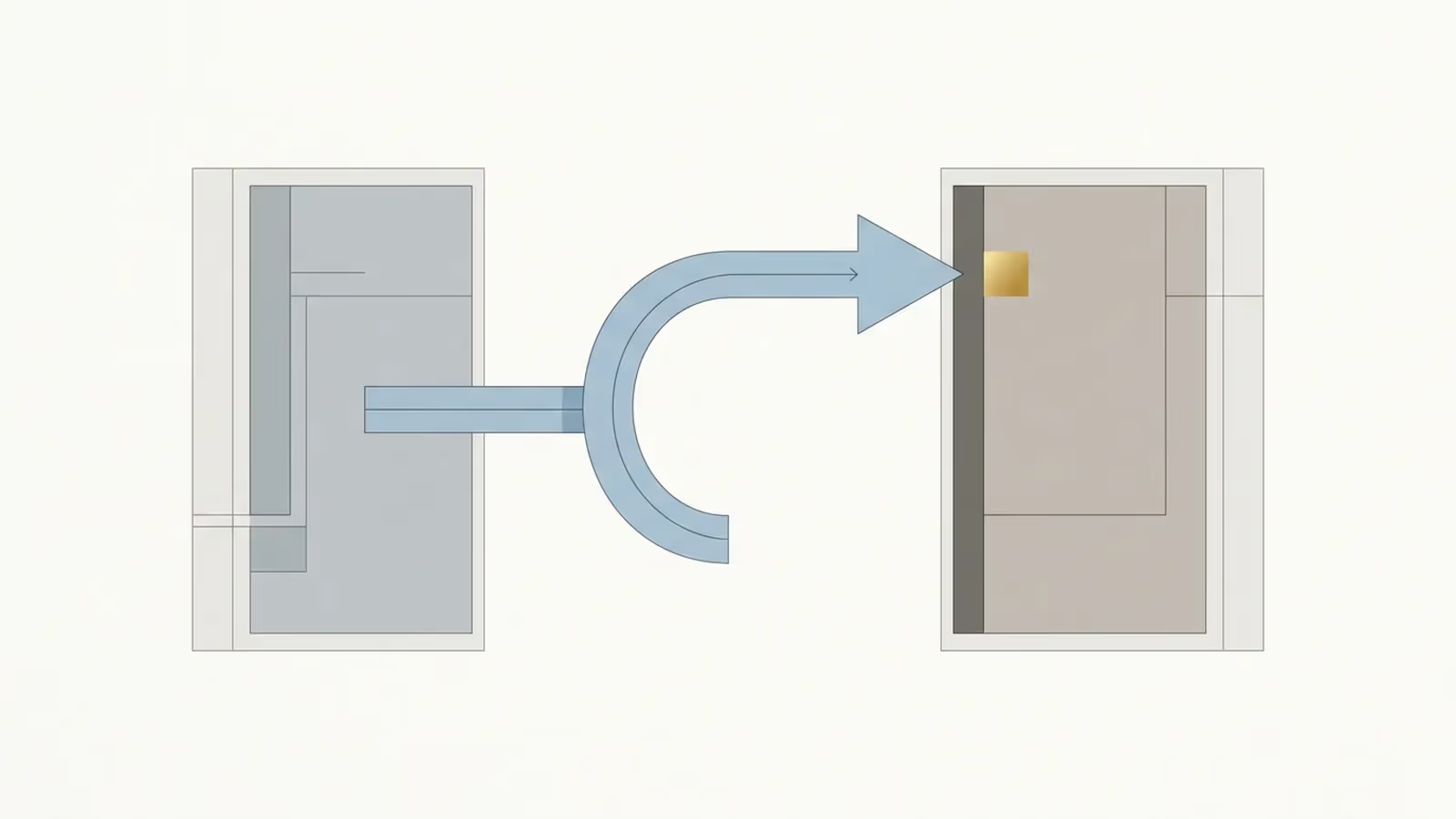
Replacing a site is a different job from building one, and the difference is almost entirely engineering.
If the current site has pages that rank, pages other sites link to, or addresses printed on vehicles and business cards, every one of those addresses needs a mapped destination on the new site. Not a blanket redirect to the home page, which search engines treat as a page that no longer exists. A mapped one, address by address, checked after launch rather than assumed.
Content has to be moved and verified. Images have to come across at usable quality rather than as whatever the old system had already degraded them to. Forms have to be re-tested end to end, because a form that silently stops delivering is the most expensive failure a small business site has, and it is invisible from the outside.
Redesign quotes that say nothing about redirect mapping are the ones that produce a traffic collapse a fortnight after launch. It is preventable, it is not expensive to do properly, and it is skipped constantly.
Accessibility is built, not styled
Accessibility gets treated as a design review item. Most of it is not.
Semantic markup, so that headings are headings and buttons are buttons rather than decorated boxes. Keyboard operation, so that every menu, form and modal can be reached and dismissed without a mouse. Labels attached to form fields. Focus that stays visible. Contrast that survives the brand palette. Video with captions. Images with meaningful alternative text, and decorative images marked as decorative.
Australian businesses have obligations under the Disability Discrimination Act 1992, and the working standard people are pointed to is WCAG. That is not legal advice and this page cannot give you any. The engineering point stands regardless: these are structural properties of the code. Retrofitting them into a finished build costs several times what building them in costs, because it means rewriting markup that has already been styled.
Be sceptical of an automated pass mark. Automated tools catch a minority of the criteria and cannot judge whether alternative text is meaningful or whether a keyboard path makes sense.
Security, updates and backups are build-time decisions

The security posture of a site is mostly set on the day the platform is chosen. A site with no database, no login and no plugin ecosystem has very little surface to attack. A site with all three needs a maintenance regime, and the regime is not optional because nothing is going to remind you.
Three questions settle it. Who applies platform and plugin updates, and how quickly after they are released. Where do backups go, how often, how far back do they reach, and has a restore actually been performed rather than assumed. If the site were compromised tomorrow, who is the person that fixes it, and is that arrangement written down anywhere.
Data ownership is an engineering property
Ownership clauses in a contract tell you who is entitled to the site. Whether you can actually take it is decided by how it was built.
The test is simple and worth running before you commit. Ask for a demonstration: export the content, and show what the export looks like. Structured content in an open format can be moved. Content locked inside a proprietary page-builder or a closed platform is not really exportable, whatever the contract says, because what comes out cannot be read by anything else. Ask the same about the domain and the hosting: registered in your name, in an account you control, or in the supplier’s.
A site you cannot take elsewhere is not really yours, and the moment you discover that is usually the moment the relationship has already gone wrong.
What to ask a developer that you would not ask a designer
Take these to whoever is quoting the build. They are not hostile questions and they all have short answers.
- What is this built on, and why that rather than the alternatives for my situation.
- Is it static or database-driven, and what does that mean for what I pay every month.
- Where is it hosted, in whose account, and what is the process when the host has an outage.
- What are the performance targets on a mid-range phone on mobile data, and how are they measured after launch rather than before.
- Which third-party scripts will be on the site, and what does each one cost me in load time.
- What is the redirect plan for every address on my current site, and who checks it after go-live.
- Who applies updates, on what schedule, and what is the notification when one breaks something.
- Where do backups go, how far back do they reach, and has a restore ever been tested.
- Can you export my content and show me what the export looks like.
- Which parts can I edit myself without needing you, and which parts will always need a developer.
- What accessibility work is included in the build, and is it structural or a review at the end.
- What happens to the site if you are unavailable for a month.
When a small business in Brisbane, Australia does not need any of this
Most of the above does not apply to a five-page brochure site for a sole trader.
If the site’s job is to say who you are, what you do, where you work and how to reach you, and it will change a few times a year, then an engineering conversation is overhead you are paying for and will not use. A designer with a competent build habit, on a mainstream platform, on decent hosting, is the right answer. Keep the images light, keep the third-party scripts to as close to none as you can manage, make sure the form actually delivers to an inbox you read, and put the domain in your own name. That is the whole engineering brief for that project.
Development-led work earns its cost when the site has to do something: take bookings or payments, hold accounts, carry a catalogue, connect to a system you already run, serve enough traffic that speed shows up in the numbers, or replace a site with search visibility you cannot afford to lose. If none of those are true today, the honest recommendation is to buy the simpler thing and revisit when one of them becomes true. What that simpler thing involves is set out on scoping a small business site.
For most small businesses, that simpler thing is a well-built WordPress site or an equivalent mainstream platform, not a custom development project. A mainstream-platform build and full custom development are two different products, often sold under the same words, and clients who buy the wrong one for their actual business pay twice: once for a build with more engineering than the business needs, or once for a website that cannot do the one thing the business actually required of it.
Working out which you are actually buying: clients and design Brisbane suppliers
Because the four Brisbane phrasings resolve to one entity in Google’s advertising system, and because seven of the nine ranking pages are titled as design pages, the words in a supplier’s headline will not tell you which job they do. Only the questions above will.
If the split between the two roles is still fuzzy, the difference between a web designer and a web developer sets it out properly. For what any of it costs and how to make two quotes comparable, read what moves the figure in a quote.
Evidence for this page
This page exists because the demand below was measured, not assumed. The figures are search-market data about the topic — they are not prices.
- Entity this page targets
- website development brisbane
- Measured Google volume
- 2,400 searches/month, Australia
- Keyword difficulty
- 10 of 100
- Advertiser cost per click
- 35.33 AUD CPC
- AI assistant volume
- 0 prompts/month
- Advertiser competition
- MEDIUM (index 38 of 100)
- Measured on
- 31 July 2026
- Search results inspected for intent
- Yes — research/serp-verification.json — pulled for this page's OWN canonical target "website development brisbane" and classified result by result.
3 other phrasings resolve to this same page
web development brisbane · website development brisbane cbd · web development company brisbane
"website development brisbane", "web development brisbane", "web design brisbane" and "website design brisbane" ALL return 2,400/month, 35.33 AUD CPC, MEDIUM competition and competition index 38. Byte-identical: Google Ads treats the four as one entity, so the volume is counted once. The difficulty model disagrees with itself across the same four terms, returning 10, 23, 50 and 43 for identical demand and identical advertiser cost. That spread is the reason the difficulty number is not used for planning on this site.
Source: research/national-volume-au.json + research/cpc-competition-au.json + research/serp-verification.json · DataForSEO Labs, Google Ads metrics and SERP classification, location_code 2036 (Australia), language en · pulled 31 July 2026.
Provenance
Written by Australian Website Design. Published 2026-08-03, last updated 2026-08-03.
Sources
- National keyword volume and difficulty, Australia —
research/national-volume-au.json(accessed 2026-07-31) - Advertiser cost-per-click and competition, Australia —
research/cpc-competition-au.json(accessed 2026-07-31) - Search result classification for Brisbane queries —
research/serp-verification.json(accessed 2026-07-31) - AI-assistant prompt volume, Australia —
research/ai-vol-keywords.json(accessed 2026-07-31)